
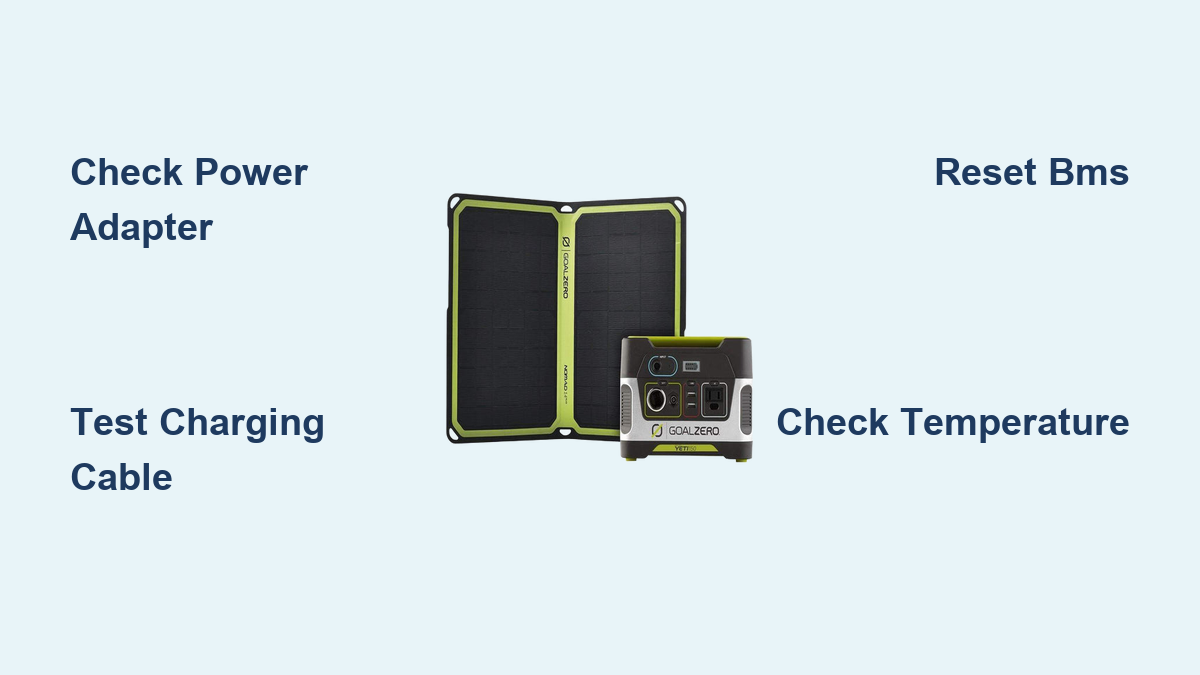
Are you frustrated that your Goal Zero Yeti 150 portable power station won’t charge? It’s incredibly disheartening when your reliable power source fails, especially when you need it most. A common quick fix is to try a different wall outlet or charging cable – sometimes, the simplest solution is all it takes!
But what if that doesn’t work? This comprehensive guide will walk you through every possible cause of a non-charging Goal Zero Yeti 150, from simple troubleshooting steps to more advanced solutions. We’ll cover everything from checking the power adapter and cables to diagnosing internal issues, equipping you with the knowledge to get your Yeti 150 back up and running and ensure it’s ready for your next adventure. By the end of this article, you’ll be confident in your ability to identify and resolve the charging problem.
Common Causes of Goal Zero Yeti 150 Not Charging
Several factors can prevent your Yeti 150 from charging. Here’s a breakdown of the most common culprits:
Faulty Power Adapter
The power adapter is the most frequent point of failure. Damage to the adapter itself, or a loose connection, can prevent power from reaching the Yeti.
Damaged Charging Cable
A frayed, kinked, or broken charging cable won’t effectively transfer power. Even seemingly minor damage can disrupt the charging process.
Incompatible Charger
Using a charger that doesn’t meet the Yeti 150’s specifications (60W, 14V) can lead to slow or no charging.
Battery Management System (BMS) Issues
The BMS protects the battery from damage. If it detects a problem (over-temperature, over-voltage, etc.), it may prevent charging.
Internal Battery Failure
While less common, the battery cells themselves can degrade over time, reducing their ability to hold a charge or accept new power.
How to Fix Goal Zero Yeti 150 Not Charging
Let’s dive into the solutions, starting with the easiest and progressing to more complex fixes.
Method 1: Basic Troubleshooting – Check Connections & Power Source
This is your first line of defense. Simple checks can often resolve the issue quickly.
Diagnosing the Issue
- Visual Inspection: Examine the power adapter and cable for any visible damage.
- Outlet Test: Plug another device into the outlet to confirm it’s working.
- Cable Test: Try a different, known-good charging cable.
Fix Steps
- Ensure a Secure Connection: Unplug and firmly reconnect the power adapter to both the Yeti 150 and the wall outlet.
- Try a Different Outlet: Plug the Yeti 150 into a different wall outlet.
- Test with a Different Cable: If possible, use a compatible USB-C cable (if applicable) to test charging.
- Power Cycle: Unplug the Yeti 150 from the wall for 30 minutes, then try charging again.
Testing
Plug in the adapter and observe the Yeti 150’s charging indicator light. If it illuminates, the issue was likely a loose connection or faulty outlet.
Method 2: Inspect the Power Adapter

A malfunctioning adapter is a common cause of charging problems.
Diagnosing the Issue
- Voltage Check: Use a multimeter to verify the adapter is outputting the correct voltage (14V). Caution: Working with electricity can be dangerous. If you are not comfortable using a multimeter, skip this step.
- Adapter Inspection: Look for physical damage like cracks, melted plastic, or loose wires.
Fix Steps
- Voltage Verification: Set your multimeter to DC voltage and test the adapter’s output. It should read close to 14V.
- Replace the Adapter: If the voltage is incorrect or the adapter is damaged, purchase a genuine Goal Zero replacement adapter. Using a non-genuine adapter can damage your Yeti.
Testing
After replacing or verifying the adapter, plug it into the Yeti 150 and observe the charging indicator.
Method 3: Reset the Yeti 150’s BMS

The Battery Management System (BMS) can sometimes get stuck. A reset can resolve this.
Diagnosing the Issue
- The Yeti 150 might display no lights or behave erratically.
- Charging may stop prematurely, even with a good adapter and cable.
Fix Steps
- Long Disconnect: Unplug the Yeti 150 from all power sources (wall and solar).
- Press and Hold: Press and hold the power button for 30-60 seconds.
- Recharge: Plug the Yeti 150 back into the power adapter and allow it to charge.
Testing
Monitor the charging indicator light. It should illuminate, indicating the BMS reset was successful.
Method 4: Check for Over-Temperature Issues

If the Yeti 150 is too hot or too cold, the BMS may prevent charging to protect the battery.
Diagnosing the Issue
- The Yeti 150 feels unusually warm or cold to the touch.
- Charging stops when the unit is exposed to extreme temperatures.
Fix Steps
- Move to a Moderate Temperature: Relocate the Yeti 150 to a cool, dry place with a temperature between 32°F and 104°F (0°C and 40°C).
- Allow to Cool/Warm: Give the unit time to reach a moderate temperature before attempting to charge it again.
Testing
Once the Yeti 150 is at a suitable temperature, plug it in and observe the charging indicator.
How to Prevent Future Charging Issues
Preventative maintenance can significantly extend the life of your Yeti 150 and minimize charging problems.
- Store Properly: Store the Yeti 150 in a cool, dry place when not in use. Avoid extreme temperatures.
- Use Genuine Accessories: Always use the Goal Zero-supplied power adapter and charging cables.
- Regularly Check Cables: Inspect cables for damage and replace them if necessary.
- Keep Vents Clear: Ensure the Yeti 150’s vents are unobstructed to allow for proper airflow.
- Partial Charging: Avoid letting the battery completely discharge regularly. Partial charging is generally better for battery health.
Pro Tips
- Firmware Updates: Check the Goal Zero website for firmware updates. Updated firmware can improve battery management and charging performance.
- Solar Charging: If using solar panels, ensure they are properly positioned for optimal sunlight exposure.
- Avoid Overloading: Don’t exceed the Yeti 150’s maximum output capacity.
- Deep Discharge: While not ideal for regular use, periodically letting the battery discharge to around 20% can help recalibrate the BMS.
- Temperature Monitoring: Be mindful of ambient temperature, especially during charging and discharging.
Professional Help
- When to Seek Professional Help: If you’ve tried all the troubleshooting steps and the Yeti 150 still won’t charge, or if you suspect internal damage, it’s time to contact Goal Zero support.
- Finding a Service Provider: Visit the Goal Zero website for authorized service centers in your area.
- Cost of Repair: Repair costs vary depending on the issue. A battery replacement can be the most expensive repair.
- Warranty: Check your Yeti 150’s warranty status. Repairs may be covered under warranty.
FAQ
Q: How long should it take to charge a Goal Zero Yeti 150?
A: Typically, it takes around 6-8 hours to fully charge a Yeti 150 using the included AC adapter.
Q: Can I use a USB-C charger with my Yeti 150?
A: While some newer Yeti models support USB-C PD charging, the Yeti 150 does not. You must use the included AC adapter.
Q: What does the blinking red light on my Yeti 150 mean?
A: A blinking red light usually indicates an error condition. Refer to the Goal Zero Yeti 150 user manual for specific error codes.
Q: Can I charge my Yeti 150 while it’s powering devices?
A: Yes, you can. However, charging will be slower.
Get Your Goal Zero Yeti 150 Working Again
You’ve now explored a comprehensive range of solutions to troubleshoot your Goal Zero Yeti 150’s charging issues. From checking basic connections to resetting the BMS and understanding temperature considerations, you’re well-equipped to get your power station back in action. Remember to prioritize safety and use genuine accessories for optimal performance.
Did you successfully revive your Yeti 150? Share your experience in the comments below to help other users!