
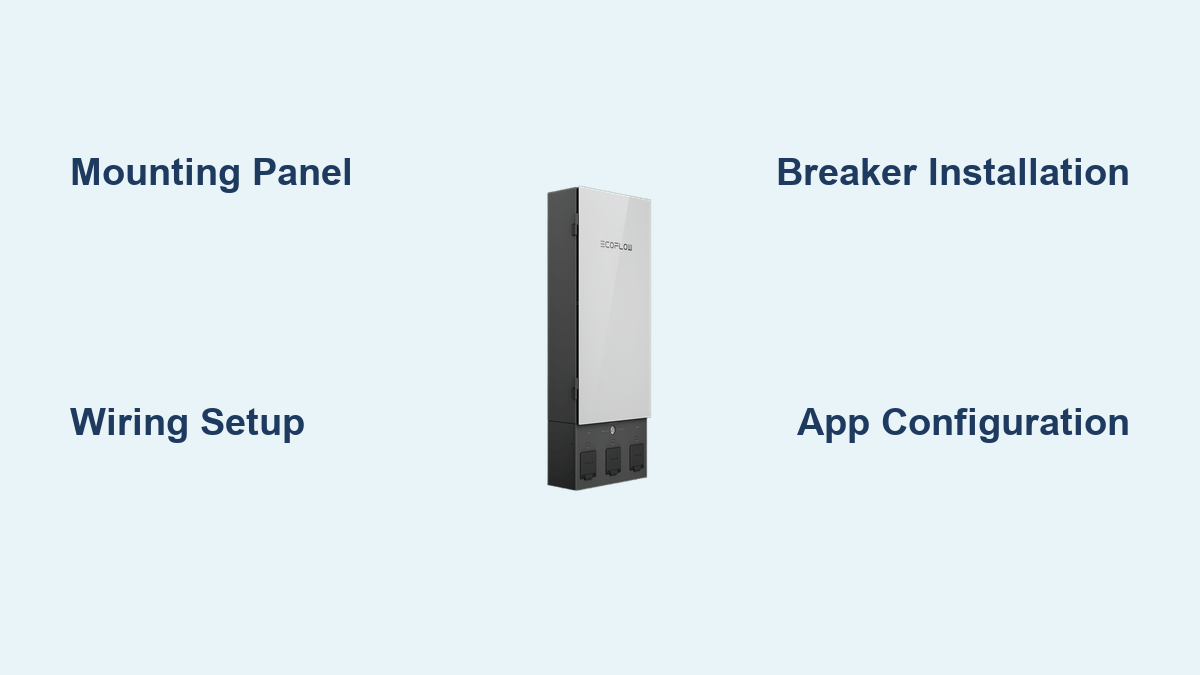
Are you looking to take control of your home energy with the EcoFlow Smart Home Panel? It’s a fantastic system, but the installation process can seem daunting. If you’re feeling overwhelmed, a quick check of your breaker box and ensuring you have the necessary tools can provide immediate relief.
This comprehensive guide will walk you through every step of installing your EcoFlow Smart Home Panel, from initial preparation and safety checks to the final configuration and testing. We’ll cover everything needed to confidently install the panel yourself, saving you money and giving you the satisfaction of a successful DIY project. You’ll learn about required materials, step-by-step instructions, potential troubleshooting issues, and how to ensure a safe and reliable installation.
What You’ll Need for EcoFlow Smart Home Panel Installation
| Item | Quantity | Specifications |
|---|---|---|
| EcoFlow Smart Home Panel | 1 | Model: D600/D800 (verify compatibility with your system) |
| Double-Pole Circuit Breaker | 1-2 | 20-30 Amp (depending on panel capacity and local codes) |
| Single-Pole Circuit Breakers | As needed | 15-20 Amp (for subpanel circuits) |
| 6 AWG Copper Wire | Length varies | UL Listed, THHN/THWN |
| 8 AWG Copper Wire | Length varies | UL Listed, THHN/THWN |
| 10 AWG Copper Wire | Length varies | UL Listed, THHN/THWN |
| Wire Connectors (Wire Nuts) | Assorted | Appropriate size for wire gauge |
| Electrical Tape | 1 roll | UL Listed |
| Conduit & Fittings | As needed | PVC or Metallic, compliant with local codes |
| Screwdrivers (Phillips & Flathead) | Assorted | Insulated handles |
| Wire Strippers/Cutters | 1 | For various wire gauges |
| Voltage Tester | 1 | Non-contact voltage tester |
| Level | 1 | For ensuring panel is straight |
| Drill & Drill Bits | 1 | For mounting the panel |
| Safety Glasses | 1 | ANSI Z87.1 approved |
| Work Gloves | 1 pair | Electrical safety rated |
Preparing for EcoFlow Smart Home Panel Installation
Before you begin, safety is paramount. Warning: Working with electricity can be dangerous. If you are not comfortable with electrical work, consult a qualified electrician.
- Permitting: Check your local building codes and obtain any necessary permits for electrical work. This is crucial for compliance and safety.
- Power Shut-Off: Turn off the main breaker in your existing electrical panel. Verify the power is off using a non-contact voltage tester. Double-check!
- Space Assessment: Choose a suitable location for the EcoFlow Smart Home Panel. It should be easily accessible, well-ventilated, and close to your existing electrical panel. Ensure sufficient space for wiring and future expansion.
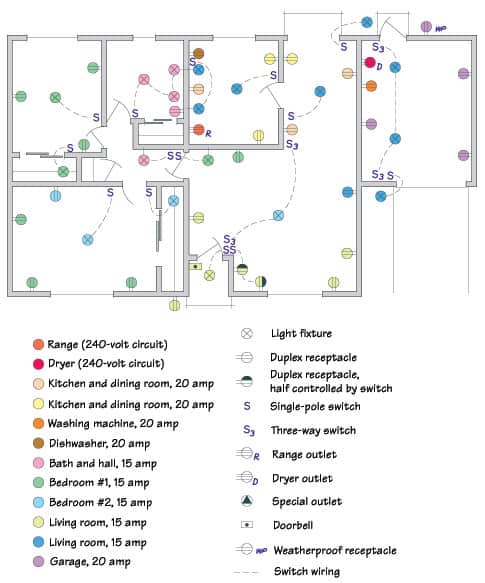
- Circuit Mapping: Create a detailed map of your existing electrical panel, labeling each circuit breaker and its corresponding load. This will be vital when transferring circuits to the EcoFlow panel. Note the wire gauge of each existing circuit.
- Safety Gear: Wear safety glasses and work gloves throughout the installation process.
Step-by-Step Installation Process
Phase 1: Mounting the EcoFlow Smart Home Panel
- Panel Placement: Position the EcoFlow Smart Home Panel in the chosen location. Use a level to ensure it’s perfectly straight.
- Marking Mounting Holes: Mark the locations for the mounting screws on the wall.
- Drilling & Anchoring: Drill pilot holes and install appropriate wall anchors.
- Panel Securing: Securely mount the EcoFlow Smart Home Panel to the wall using the provided screws.
Phase 2: Wiring the Main Connection
- Main Breaker Installation: Install the double-pole circuit breaker in your existing electrical panel. This breaker will connect to the EcoFlow Smart Home Panel.
- Wiring to Main Breaker: Run 6 AWG copper wire from the double-pole breaker in your existing panel to the main terminals of the EcoFlow Smart Home Panel. Connect the wires securely, ensuring proper polarity.
- Grounding: Connect a ground wire from your existing panel’s ground bus to the grounding terminal on the EcoFlow Smart Home Panel.
Phase 3: Transferring Circuits to the EcoFlow Panel
- Circuit Identification: Using your circuit map, identify the circuits you want to connect to the EcoFlow Smart Home Panel. Start with non-essential loads.
- Circuit Breaker Installation: Install single-pole circuit breakers in the EcoFlow Smart Home Panel for each circuit you are transferring.
- Wiring Transfer: Warning: Ensure the power remains OFF at the main breaker. Carefully disconnect the wires from the old circuit breakers and connect them to the corresponding breakers in the EcoFlow panel. Use wire connectors to ensure secure connections. Maintain the proper wire gauge for each circuit.
- Conduit Installation: If required by local codes, run wiring through conduit to protect it.
Phase 4: Final Checks and Configuration
- Wire Inspection: Double-check all wiring connections for tightness and proper insulation.
- Panel Cover Installation: Install the panel cover.
- Power Restoration: Carefully turn on the main breaker in your existing electrical panel.
- EcoFlow App Setup: Download the EcoFlow app and follow the on-screen instructions to connect and configure your Smart Home Panel.
- Circuit Testing: Test each circuit connected to the EcoFlow Smart Home Panel to ensure it’s functioning correctly.
Pro Tips for EcoFlow Smart Home Panel Installation
:max_bytes(150000):strip_icc()/electrical-wire-sizes-1152851-1c278609d8364a7e93e277903520836e.png)
- Wire Length: Use the shortest possible wire lengths to minimize voltage drop.
- Labeling: Clearly label each circuit breaker in the EcoFlow panel for easy identification.
- Torque Specifications: Refer to the EcoFlow manual for torque specifications for all connections.
- Code Compliance: Always adhere to local electrical codes.
- Overestimation: It’s better to overestimate the wire gauge needed than to underestimate.
- Photo Documentation: Take photos of your existing panel before disconnecting any wires – this will be incredibly helpful if you get confused during re-wiring.
- Breaker Compatibility: Ensure the breakers you purchase are compatible with the EcoFlow panel.
When to Call a Professional
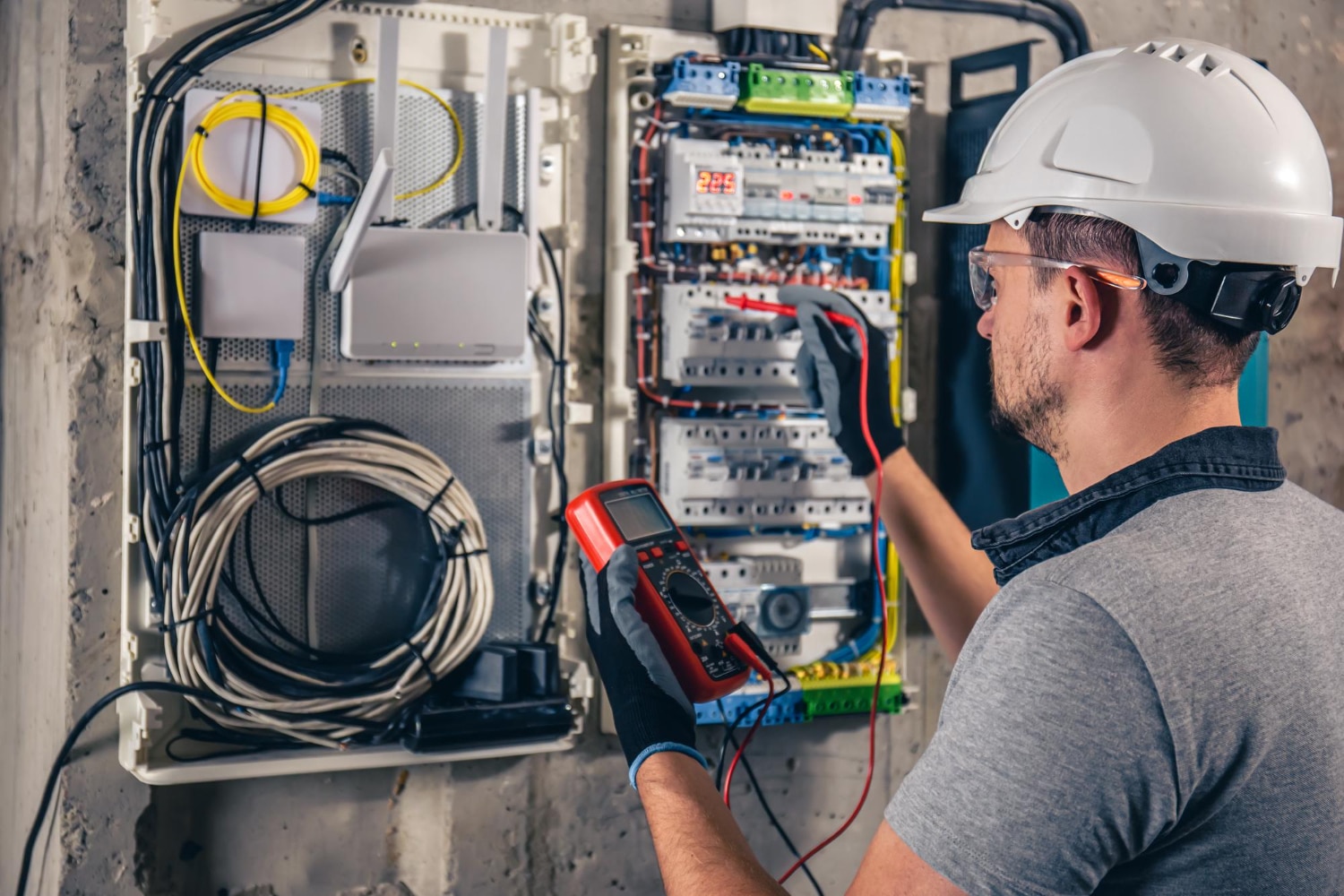
- If you are uncomfortable with any aspect of the installation process.
- If you encounter unexpected wiring issues.
- If your electrical panel is old or outdated.
- If you are unsure about local electrical codes.
- If you experience any issues during the configuration process.
FAQ
Q: Can I install the EcoFlow Smart Home Panel myself?
A: Yes, if you have experience with electrical work and are comfortable following instructions. However, if you’re unsure, it’s always best to hire a qualified electrician.
Q: What wire gauge should I use?
A: The wire gauge depends on the amperage of the circuit. Consult a wire gauge chart or your local electrical code.
Q: Do I need a permit for installation?
A: Yes, in most areas. Check your local building codes.
Q: How long does the installation take?
A: Installation time varies depending on your experience and the complexity of your electrical system, but it typically takes 4-8 hours.
Alternative Solutions
If you’re hesitant about a full panel swap, consider a smaller EcoFlow power system with a single appliance connection. This provides backup power without requiring extensive electrical work.
| Solution | Pros | Cons | Best For |
|---|---|---|---|
| Full Panel Swap | Complete home backup, smart energy management | Complex installation, requires electrical expertise | Whole-home backup, energy independence |
| Portable Power Station | Easy to use, no installation | Limited capacity, not a whole-home solution | Powering essential appliances during outages |
Enjoy Your New EcoFlow Smart Home Panel
Congratulations on installing your EcoFlow Smart Home Panel! You are now equipped to manage your home energy more efficiently and have a reliable backup power source.
Remember to regularly check your system and follow the maintenance guidelines in the EcoFlow manual.
Share your experience with the EcoFlow Smart Home Panel in the comments below! What challenges did you face, and how did you overcome them?